
How to use the Overtime calculator
The overtime calculator estimates value from actual wage, basic wage, and recorded overtime hours using the formula explained for Saudi Labour Law Article 107. It can support a personal payroll check, but it cannot decide whether each hour…
Go to the relevant information, then verify the source and date before a binding decision.
For: Job seekers and working professionalsComplete a practical output for “How to use the Overtime calculator”.
When should you use Overtime calculator?
Mistakes that weaken the result
When should you use Overtime calculator?
The overtime calculator estimates value from actual wage, basic wage, and recorded overtime hours using the formula explained for Saudi Labour Law Article 107. It can support a personal payroll check, but it cannot decide whether each hour legally qualifies as overtime or whether an exception or compensatory-leave arrangement applies.
Mistakes that weaken the result
- Using incomplete or inconsistent inputs in the overtime calculator and treating the result as authoritative.
- Copying the overtime calculator result without checking facts, tone, calculations, names, or audience.
- Adding a skill, achievement, amount, or entitlement that the overtime calculator cannot verify and the user cannot support.
- Sharing sensitive information with the overtime calculator when a redacted or fictional example would be enough.
How to use Overtime calculator step by step
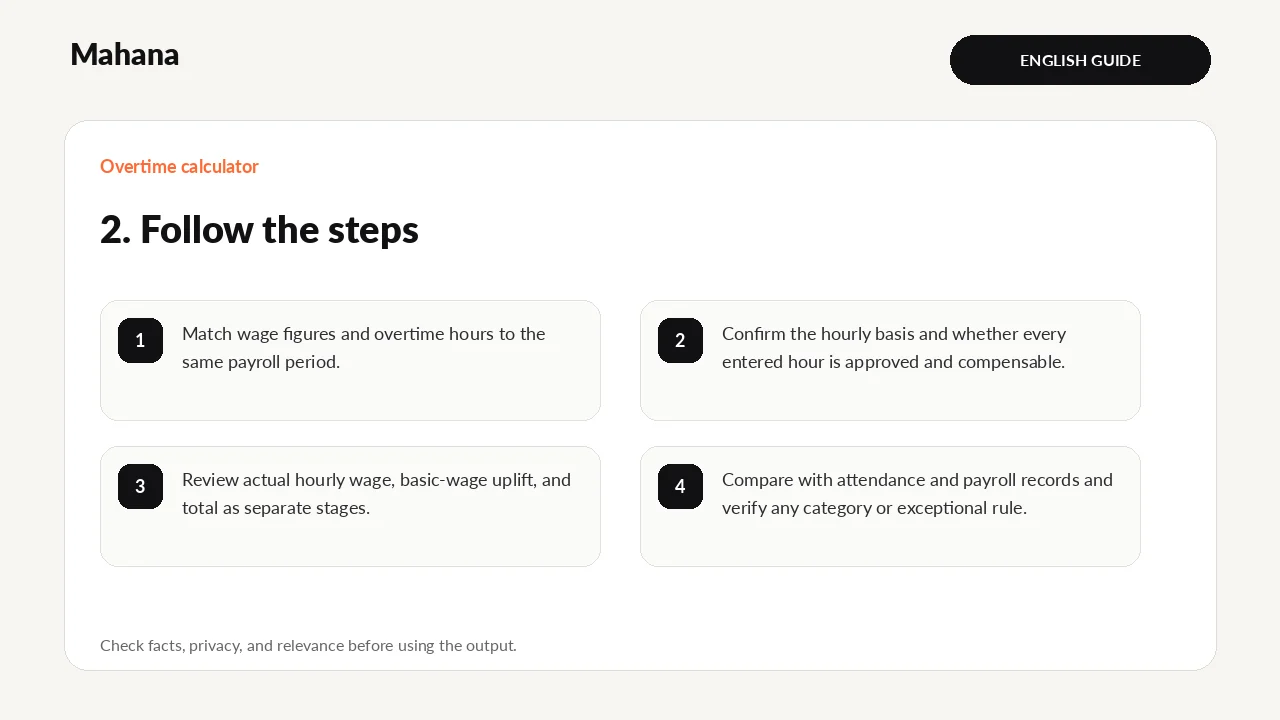
- Match wage figures and overtime hours to the same payroll period.
- Confirm the hourly basis and whether every entered hour is approved and compensable.
- Review actual hourly wage, basic-wage uplift, and total as separate stages.
- Compare with attendance and payroll records and verify any category or exceptional rule.
How should you read the result?
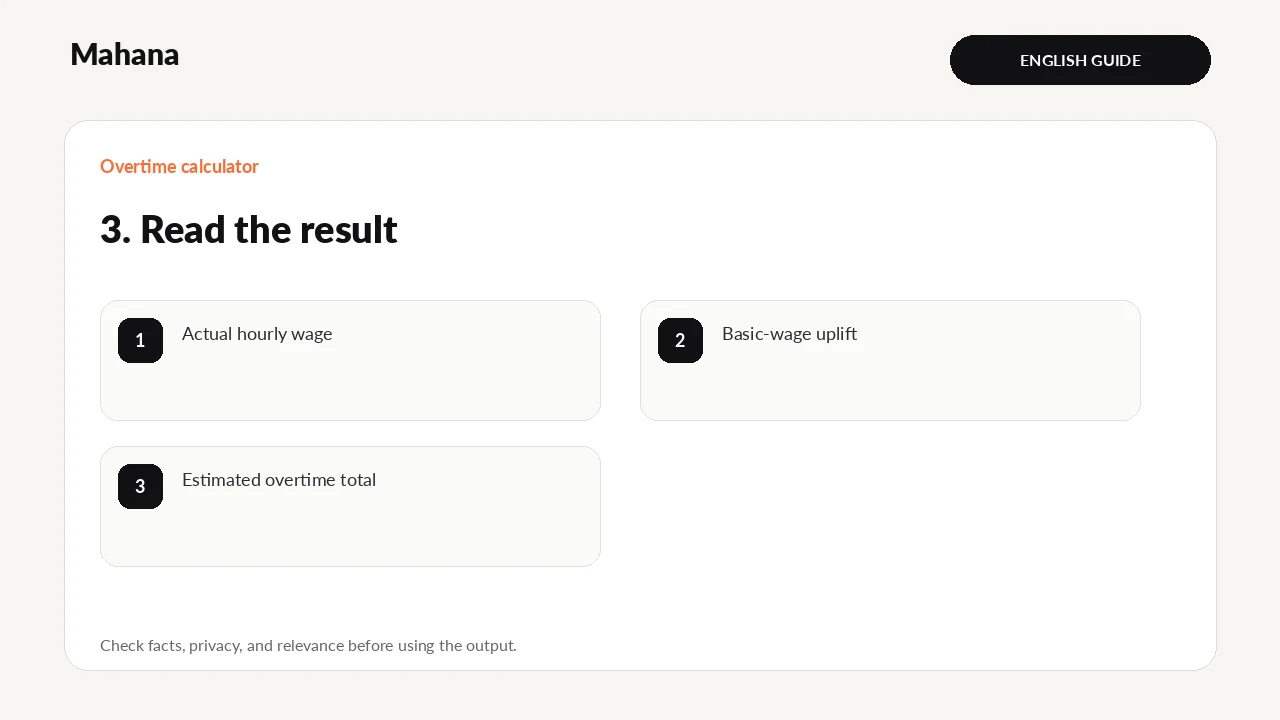
The estimate applies the stated formula—actual hourly wage plus 50% of the basic hourly wage—to the entered hours. Correct classification of hours and wage components still requires source records and current rules.
- Actual hourly wage
- Basic-wage uplift
- Estimated overtime total
What does the tool actually do?
- Derives actual and basic hourly wage from the entered wage and monthly-hours basis.
- Adds 50% of the basic hourly wage to the actual hourly wage in the configured Article 107 formula.
- Multiplies the hourly estimate by entered overtime hours and shows the stages separately.
This describes the current transparent logic; it does not guarantee a hiring decision or legal entitlement. Behaviour and content last checked: 2026-08-15.
Review before you rely on it
- Every name, date, amount, title, and claim used by the overtime calculator matches the current source.
- The overtime calculator result answers the original goal and does not add an experience, entitlement, or promise that was not supplied.
- For the overtime calculator, assumptions and missing information are visible, and any legal or financial point has been checked against the latest official source.
- Sensitive, irrelevant, or third-party information has been removed before the overtime calculator result is saved or shared.
Review the overtime calculator result once as its intended reader. For the overtime calculator, check facts first, then relevance, wording, layout, and privacy in separate passes; ask a qualified person to review a difficult-to-reverse decision.

What should you prepare?
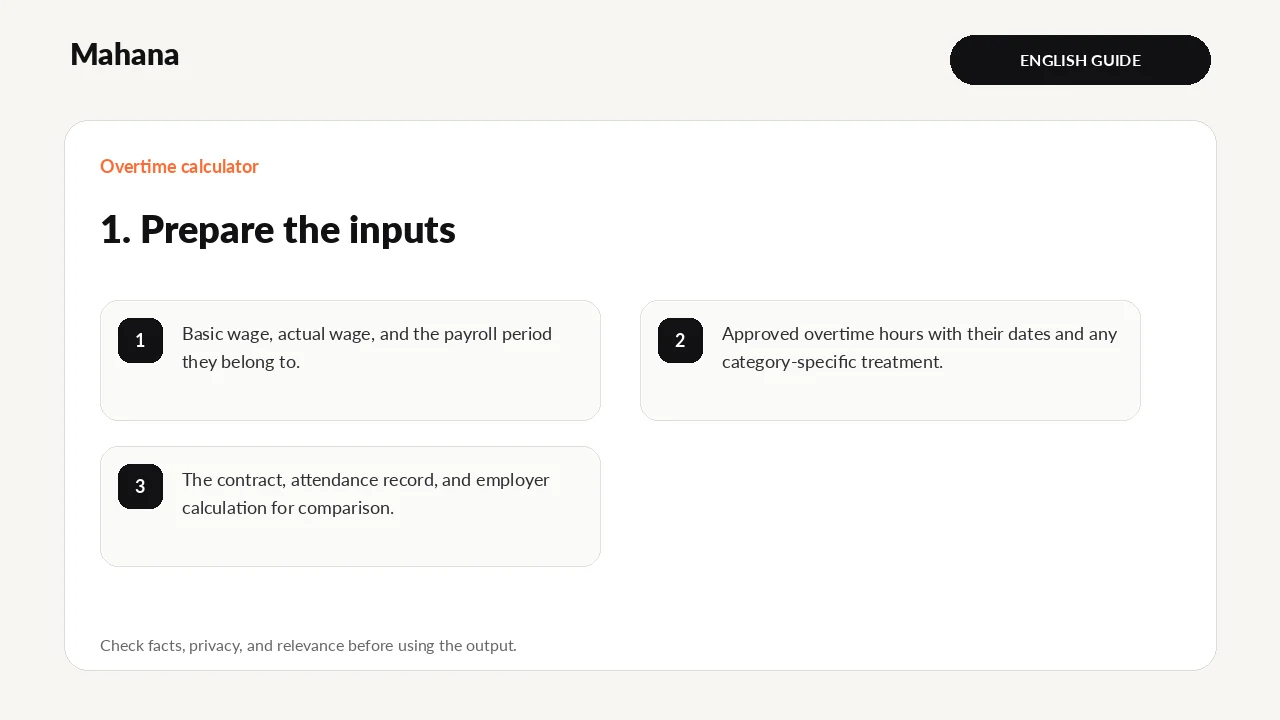
Use the basic and actual wage for the same pay period, plus approved overtime dates and hours. Keep normal hours, absences, and leave separate and rely on attendance or assignment records rather than memory.
- Basic wage, actual wage, and the payroll period they belong to.
- Approved overtime hours with their dates and any category-specific treatment.
- The contract, attendance record, and employer calculation for comparison.
Privacy first: The overtime calculator does not need identity numbers, passwords, bank details, medical records, private referee data, or confidential employer material. Replace names and restricted figures with neutral examples wherever possible.
Limits and when to use another source
The tool cannot verify assignments, attendance, exceptions, written consent, or alternative compensation. A financial claim requires the contract, records, and current official rules, not this estimate alone.
A realistic worked example
An employee records eight approved overtime hours and enters both wage figures from the payslip. Payroll shows six hours, so the employee checks assignment and attendance records instead of altering the wage input to force the expected total.
Interpretation: The total is meaningful only when wage components, monthly-hours basis, and approved hours refer to the same period. A different payroll method requires a line-by-line comparison, not just a total comparison.
Questions about Overtime calculator
Does Mahana receive the normal overtime calculator inputs?
The overtime calculator is designed to process its normal fields in the browser. For the overtime calculator, avoid sensitive data and read the page privacy note before using any optional storage, export, or sharing function.
Is the overtime calculator result guaranteed?
No. The overtime calculator returns a draft, comparison, or estimate from the values entered. For the overtime calculator, employer decisions, official entitlements, and professional outcomes depend on facts the tool cannot see.
What must I do before using the overtime calculator result?
Before using a overtime calculator result, check every fact, remove unnecessary personal data, compare calculations with the latest official source, and edit it for the real recipient or decision.
What is included in this version?
- A worked example written specifically for the overtime calculator.
- Visible assumptions, privacy guidance, and result limitations.
- An editable result plus a separate pre-use review checklist.
Your next action
Match the estimate to attendance and payslip lines for the same period before raising a payroll question.
Official verification source: Official source for verification. Use the newest official document before a legal or financial decision.
Continue with the tool or browse all career tools.
The overtime calculator estimates value from actual wage, basic wage, and recorded overtime hours using the fo…
Open Overtime calculatorHow this page was prepared and when it is reviewed
Method: The guide turns one defined career question into steps and a reviewable output, with changing claims tied to their sources.
Review trigger: Review this page when relevant rules, tools, or market evidence changes, or when a newer authoritative source becomes available.

The Mahana editorial team reviews career articles, guides, links, and time-sensitive information under the published editorial policy.
Editorial and verification method