
Build an ATS-Friendly Resume
Practical steps to create a resume that is easy for applicant-tracking systems and recruiters to parse. Final output: a clean one- or two-page text-based resume.
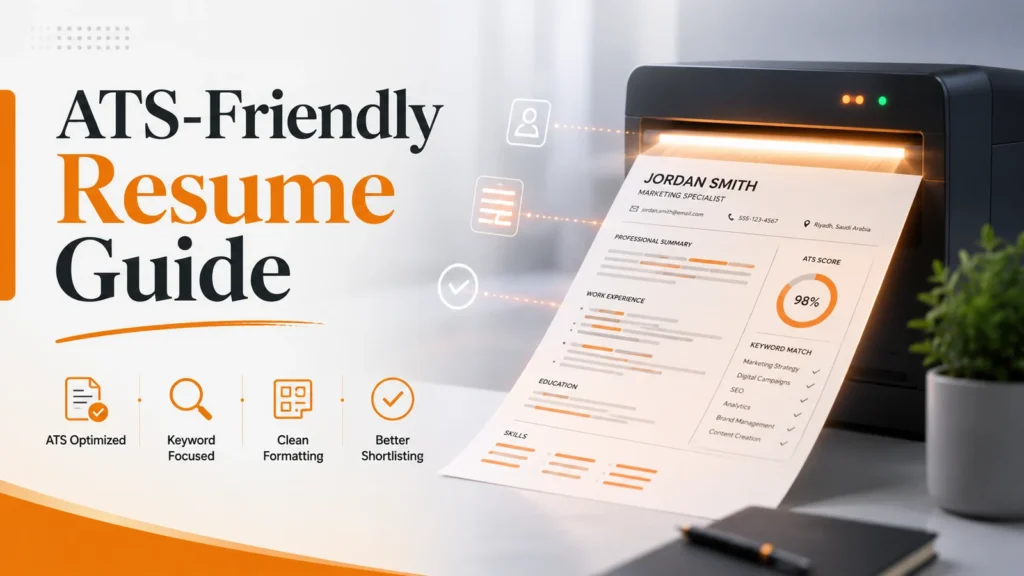
Complete the prompts and leave with an output you can use and review.
For: Job seekers and working professionalsA clean one- or two-page text-based resume
Create a resume that is easy for applicant-tracking systems and recruiters to parse.
Use the clean one- or two-page text-based resume as an updateable decision record, not a fixed template.
An ATS-friendly resume is not a resume written for a robot. It is a clear, text-based document that an applicant-tracking system can parse and a recruiter can scan quickly. The safest approach is to keep your evidence honest while removing formatting choices that hide or scramble important information.
What an ATS actually needs to read
Systems differ between employers, so no template can guarantee a pass. Most workflows, however, need to identify your name, contact details, job titles, dates, skills, education, and role-relevant language. Simple structure and selectable text reduce avoidable parsing problems.
Use standard section headings
Use headings such as Experience, Education, Skills, Projects, and Certifications. Creative labels may look attractive but make classification harder. Each heading should tell both the system and the recruiter exactly what information follows.
Keep essential information as real text
Your name, email, phone number, dates, titles, and employers should be selectable text. Do not rely on icons alone and do not place critical facts inside an image. A useful test is to copy the entire resume into a plain-text editor and check whether the information still appears in a sensible order.
Use reverse chronological experience
List the most recent role first. For each role, include the title, employer, dates, and concise bullets that explain contribution and outcome. Avoid copying a generic job description. Use numbers only when they are accurate and you can explain how they were measured.
Use job-posting language honestly
Identify the skills and responsibilities that genuinely match your background. If a posting mentions reporting, do not repeat “reporting” throughout the document. Demonstrate it: “Prepared a weekly operations report combining sales and service data and flagged overdue cases.” That uses the relevant language and gives a recruiter evidence.
Test the final file
Copy the text into a plain editor, open the exported file on another device, and verify the reading order. If the employer requests DOCX or another format, follow the instruction. A technically perfect PDF is still the wrong submission if the application asks for a different format.
Common problems and the correct fix
| Problem | Why it hurts | Better fix |
|---|---|---|
| Keyword stuffing | Makes the document unnatural and reduces trust | Use important terms inside truthful achievements and responsibilities |
| Complex multi-column tables | Can change parsing order | Use a simple vertical reading flow |
| Contact details only in headers or footers | Some extraction workflows handle them inconsistently | Keep core contact details in the main text area |
| Skill bars and percentages | They are hard to interpret | Name the skill and prove it in experience or a project |
| Image-only resume | Provides no reliable extractable text | Export a file that preserves actual text |
Before-and-after example
Weak: “Excel 90%, Power BI 85%, excellent data analysis.” Stronger: “Built a Power BI dashboard tracking 12 weekly indicators and cleaned source data in Excel before publishing.” The second version contains relevant terms while giving the recruiter something concrete to evaluate.
A 60-second pre-submission check
- Can a recruiter see the target direction and most recent experience immediately?
- Does each important skill have evidence somewhere in the resume?
- Can the text be copied without missing sections?
- Do the dates match your LinkedIn profile?
- Is the filename professional?
- Have you removed unnecessary sensitive information?
When a visual resume still makes sense
Creative roles may benefit from a visually distinctive version for a portfolio or direct presentation. Keep a simpler text-first version for online applications. Design should support the content, not make the evidence harder to access.
Bottom line
ATS compatibility is mostly good information design: familiar headings, selectable text, honest role language, consistent dates, and a tested export. Optimize for clarity first; a recruiter still makes the meaningful hiring decision.
Questions about this guide
How should I begin Build an ATS-Friendly Resume?
Write the current situation and required result, then build a first version of the clean one- or two-page text-based resume.
How do I know the clean one- or two-page text-based resume is usable?
Another person should be able to understand the decision or document, identify the source, and see the next action without a long verbal explanation.
When should I review it again?
Review it when material information changes or after the final step is used, and record the change in the clean one- or two-page text-based resume.
Start with one checkpoint, keep every decision visible in the clean one- or two-page text-based resume, and review the result before expanding the approach.
View all guidesHow this page was prepared and when it is reviewed
Method: The guide turns “Create a resume that is easy for applicant-tracking systems and recruiters to parse.” into checkpoints tied to one output, the clean one- or two-page text-based resume, while separating facts from assumptions and linking changing information to its sources.
Review trigger: Review the clean one- or two-page text-based resume when material information changes or after its first real use; record the change, its reason, and the result observed afterwards.
For changing information, check the original source before making an important decision.
Sources and verification
Last checked: 2026-08-20- Official sourceResume guidance — HRDFhrdf.org.sa
- Official sourceJob applications — Jadarathrdf.org.sa
Sources support the framework and reference data; professional application varies by organization, situation, and date.

The Mahana editorial team reviews career articles, guides, links, and time-sensitive information under the published editorial policy.
Editorial and verification method