
How to use the Weekly job-search planner
The weekly job-search planner allocates realistic time across opportunity selection, tailored applications, networking, follow-up, and results review. It turns irregular browsing into a process you can inspect and adjust.
Go to the relevant information, then verify the source and date before a binding decision.
For: Job seekers and working professionalsComplete a practical output for “How to use the Weekly job-search planner”.
When should you use Weekly job-search planner?
How to use Weekly job-search planner step by step
When should you use Weekly job-search planner?
The weekly job-search planner allocates realistic time across opportunity selection, tailored applications, networking, follow-up, and results review. It turns irregular browsing into a process you can inspect and adjust.
How to use Weekly job-search planner step by step
- Set the week’s available hours and subtract fixed interviews and deadlines.
- Allocate time to vacancy selection, tailoring, outreach, follow-up, and administration.
- Check whether estimated workload fits capacity and lower volume before lowering quality.
- At week-end, review applications, responses, conversations, and bottlenecks to set the next mix.

How should you read the result?
The result proposes a percentage allocation of time plus application and outreach targets. Change the mix when the resume needs rebuilding, interviews are active, or the target market has few suitable vacancies.
- Estimated workload
- Capacity warning
- Editable weekly schedule

What is included in this version?
- A worked example written specifically for the weekly job-search planner.
- Visible assumptions, privacy guidance, and result limitations.
- An editable result plus a separate pre-use review checklist.
A realistic worked example
An accounting job seeker has eight hours and targets five suitable applications plus three professional conversations. They reserve time for vacancy selection, tailoring, outreach, follow-up, and updating the application tracker rather than applying indiscriminately.
Interpretation: The schedule is a capacity model, not a quota of personal worth. If tailored applications or conversations produce better signals, shift time toward them rather than increasing indiscriminate volume.
What does the tool actually do?
- Estimates time for tailored applications, outreach, follow-up, and administration.
- Compares estimated workload with the hours entered and flags an overloaded plan.
- Distributes activity across a weekly schedule that the user can edit.
This describes the current transparent logic; it does not guarantee a hiring decision or legal entitlement. Behaviour and content last checked: 2026-08-15.
Review before you rely on it
- Every name, date, amount, title, and claim used by the weekly job-search planner matches the current source.
- The weekly job-search planner result answers the original goal and does not add an experience, entitlement, or promise that was not supplied.
- For the weekly job-search planner, assumptions and missing information are visible, and any legal or financial point has been checked against the latest official source.
- Sensitive, irrelevant, or third-party information has been removed before the weekly job-search planner result is saved or shared.
Review the weekly job-search planner result once as its intended reader. For the weekly job-search planner, check facts first, then relevance, wording, layout, and privacy in separate passes; ask a qualified person to review a difficult-to-reverse decision.

Limits and when to use another source
The plan cannot control vacancy volume or employer response time. A skills project or portfolio may need priority before more applications. Use response data to adjust the process, never to judge your personal worth.
Mistakes that weaken the result
- Using incomplete or inconsistent inputs in the weekly job-search planner and treating the result as authoritative.
- Copying the weekly job-search planner result without checking facts, tone, calculations, names, or audience.
- Adding a skill, achievement, amount, or entitlement that the weekly job-search planner cannot verify and the user cannot support.
- Sharing sensitive information with the weekly job-search planner when a redacted or fictional example would be enough.
Questions about Weekly job-search planner
Does Mahana receive the normal weekly job-search planner inputs?
The weekly job-search planner is designed to process its normal fields in the browser. For the weekly job-search planner, avoid sensitive data and read the page privacy note before using any optional storage, export, or sharing function.
Is the weekly job-search planner result guaranteed?
No. The weekly job-search planner returns a draft, comparison, or estimate from the values entered. For the weekly job-search planner, employer decisions, official entitlements, and professional outcomes depend on facts the tool cannot see.
What must I do before using the weekly job-search planner result?
Before using a weekly job-search planner result, check every fact, remove unnecessary personal data, compare calculations with the latest official source, and edit it for the real recipient or decision.
What should you prepare?
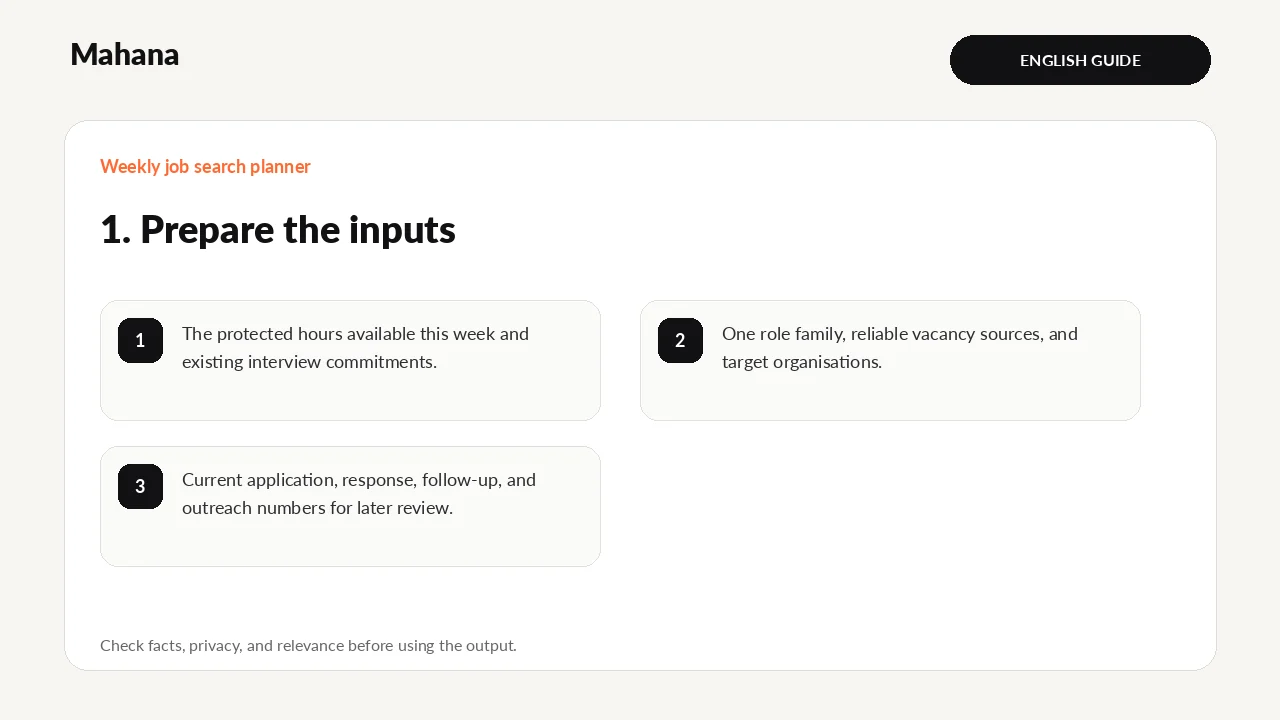
Choose one role family for the week, list reliable vacancy sources and target organisations, and count the hours you can actually protect. Start from current application and interview commitments.
- The protected hours available this week and existing interview commitments.
- One role family, reliable vacancy sources, and target organisations.
- Current application, response, follow-up, and outreach numbers for later review.
Privacy first: The weekly job-search planner does not need identity numbers, passwords, bank details, medical records, private referee data, or confidential employer material. Replace names and restricted figures with neutral examples wherever possible.
Your next action
Put the blocks on the calendar, track outcomes, and adjust next week’s mix from response evidence.
Guide method: The instructions were checked against the current fields and outputs. Results remain editable guidance, not a final professional determination.
Continue with the tool or browse all career tools.
The weekly job-search planner allocates realistic time across opportunity selection, tailored applications, ne…
Open Weekly job-search plannerHow this page was prepared and when it is reviewed
Method: The guide turns one defined career question into steps and a reviewable output, with changing claims tied to their sources.
Review trigger: Review this page when relevant rules, tools, or market evidence changes, or when a newer authoritative source becomes available.

The Mahana editorial team reviews career articles, guides, links, and time-sensitive information under the published editorial policy.
Editorial and verification method