
How to use the LinkedIn summary generator
Use the LinkedIn summary generator when your headline and About section are empty, outdated, or inconsistent with your target path. It helps job seekers, freelancers, and professionals explain what they do without making the entire profile sound like…
Go to the relevant information, then verify the source and date before a binding decision.
For: Job seekers and working professionalsComplete a practical output for “How to use the LinkedIn summary generator”.
When should you use LinkedIn summary generator?
A realistic worked example
When should you use LinkedIn summary generator?
Use the LinkedIn summary generator when your headline and About section are empty, outdated, or inconsistent with your target path. It helps job seekers, freelancers, and professionals explain what they do without making the entire profile sound like a job request.
A realistic worked example
A data analyst replaces “ambitious expert in the world of data” with a headline centred on dashboards, operational reporting, SQL, and Power BI. The About section then shows how a reporting project helped a team identify delays, rather than listing tools without context.
Interpretation: The revised profile is clearer because tools are connected to a type of work and an observable result. Reach still depends on the rest of the profile, privacy settings, activity, and audience relevance.
What is included in this version?
- A worked example written specifically for the LinkedIn summary generator.
- Visible assumptions, privacy guidance, and result limitations.
- An editable result plus a separate pre-use review checklist.
Mistakes that weaken the result
- Using incomplete or inconsistent inputs in the LinkedIn summary generator and treating the result as authoritative.
- Copying the LinkedIn summary generator result without checking facts, tone, calculations, names, or audience.
- Adding a skill, achievement, amount, or entitlement that the LinkedIn summary generator cannot verify and the user cannot support.
- Sharing sensitive information with the LinkedIn summary generator when a redacted or fictional example would be enough.
Questions about LinkedIn summary generator
Does Mahana receive the normal LinkedIn summary generator inputs?
The LinkedIn summary generator is designed to process its normal fields in the browser. For the LinkedIn summary generator, avoid sensitive data and read the page privacy note before using any optional storage, export, or sharing function.
Is the LinkedIn summary generator result guaranteed?
No. The LinkedIn summary generator returns a draft, comparison, or estimate from the values entered. For the LinkedIn summary generator, employer decisions, official entitlements, and professional outcomes depend on facts the tool cannot see.
What must I do before using the LinkedIn summary generator result?
Before using a LinkedIn summary generator result, check every fact, remove unnecessary personal data, compare calculations with the latest official source, and edit it for the real recipient or decision.
Limits and when to use another source
The tool cannot control search ranking, profile visibility, or who contacts you. LinkedIn features and algorithms change. A credible presence still requires accurate experience, relevant activity, useful relationships, and appropriate privacy settings.
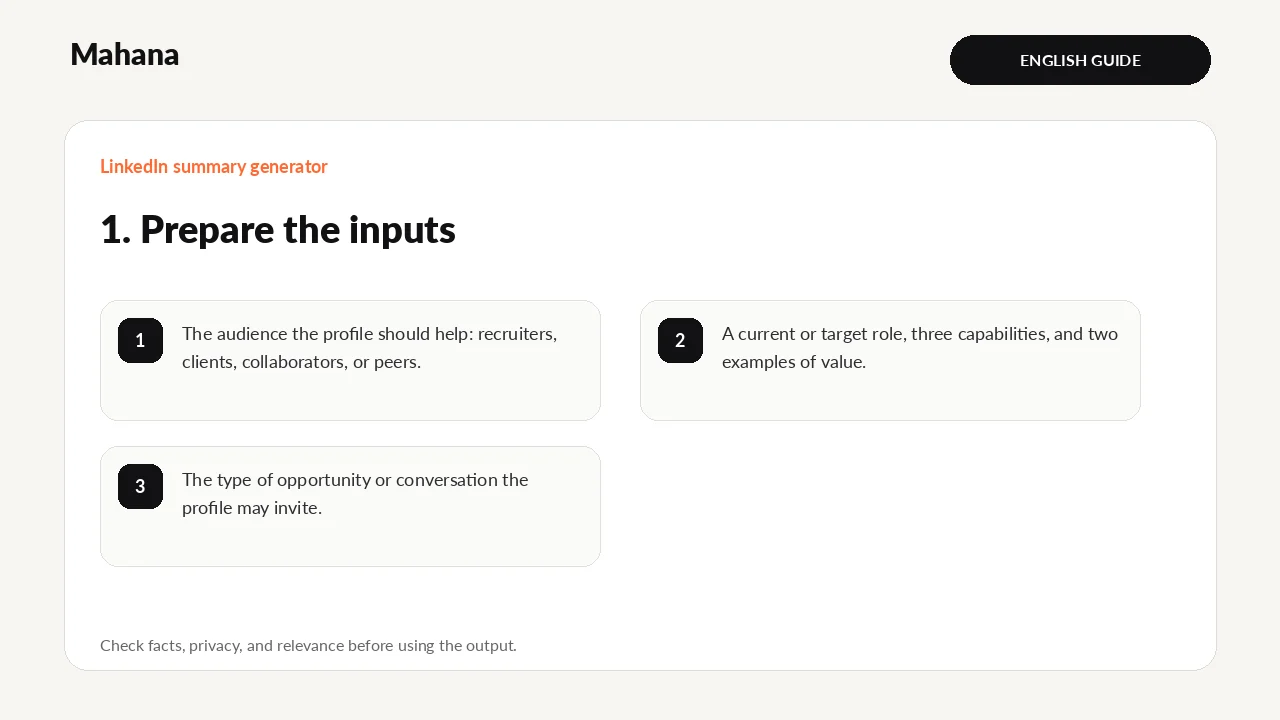
What should you prepare?
Define the audience you want to understand your profile—recruiter, client, or peer. Prepare a current or target role title, three relevant skills, two examples of value, and the type of conversation or opportunity you welcome.
- The audience the profile should help: recruiters, clients, collaborators, or peers.
- A current or target role, three capabilities, and two examples of value.
- The type of opportunity or conversation the profile may invite.
Privacy first: The LinkedIn summary generator does not need identity numbers, passwords, bank details, medical records, private referee data, or confidential employer material. Replace names and restricted figures with neutral examples wherever possible.
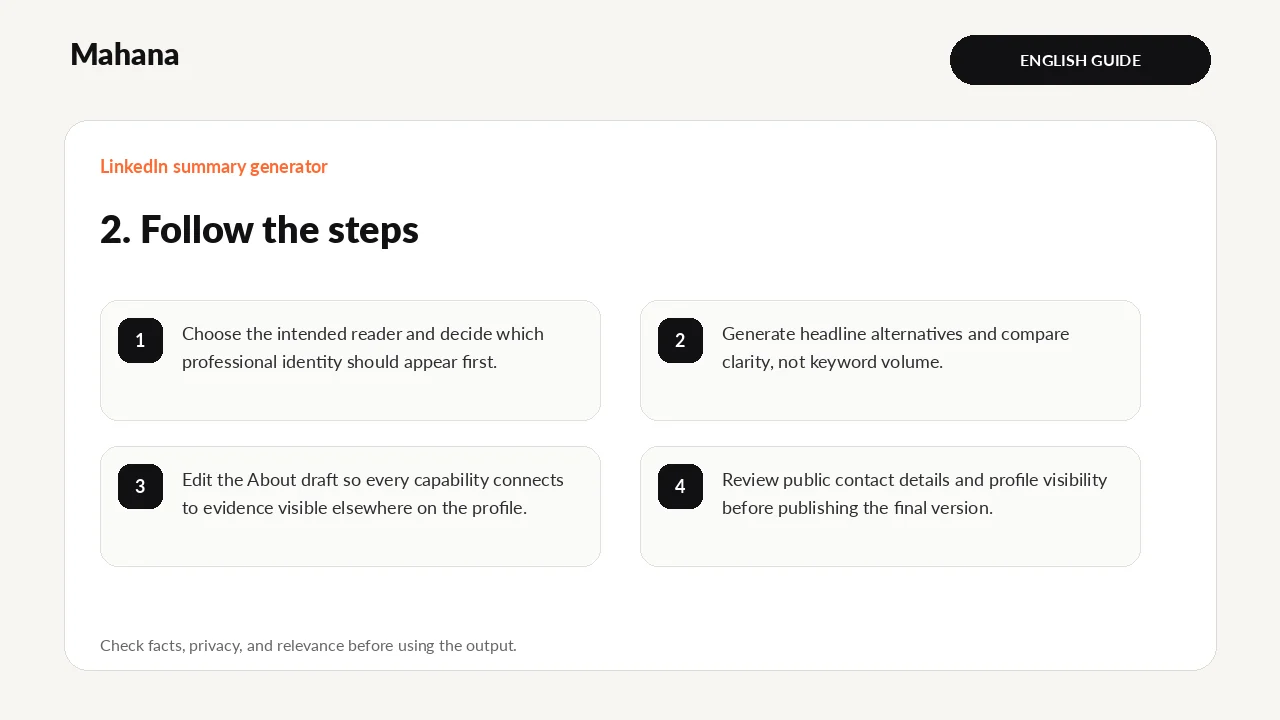
How to use LinkedIn summary generator step by step
- Choose the intended reader and decide which professional identity should appear first.
- Generate headline alternatives and compare clarity, not keyword volume.
- Edit the About draft so every capability connects to evidence visible elsewhere on the profile.
- Review public contact details and profile visibility before publishing the final version.
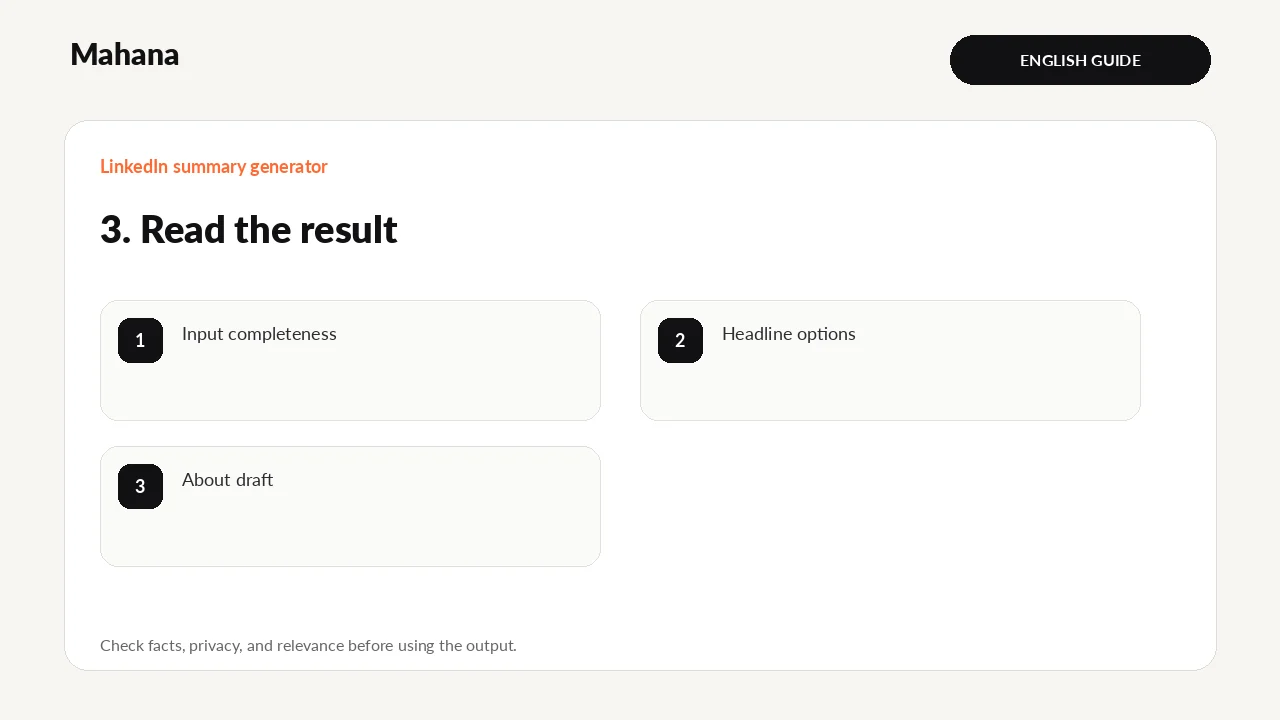
How should you read the result?
The headline should make the role and focus clear in limited space. The About section should explain scope, evidence, and a reason to connect without duplicating the full resume.
- Input completeness
- Headline options
- About draft
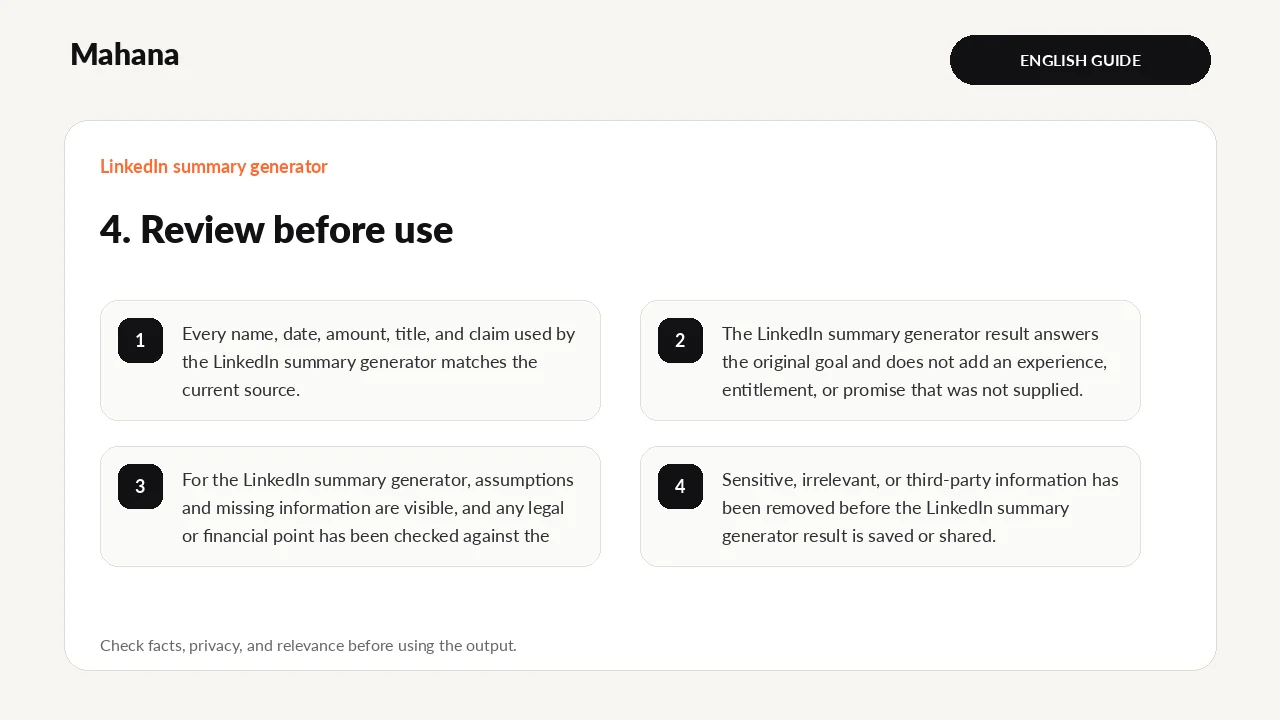
Review before you rely on it
- Every name, date, amount, title, and claim used by the LinkedIn summary generator matches the current source.
- The LinkedIn summary generator result answers the original goal and does not add an experience, entitlement, or promise that was not supplied.
- For the LinkedIn summary generator, assumptions and missing information are visible, and any legal or financial point has been checked against the latest official source.
- Sensitive, irrelevant, or third-party information has been removed before the LinkedIn summary generator result is saved or shared.
Review the LinkedIn summary generator result once as its intended reader. For the LinkedIn summary generator, check facts first, then relevance, wording, layout, and privacy in separate passes; ask a qualified person to review a difficult-to-reverse decision.
What does the tool actually do?
- Creates headline options and an About draft from role, skills, evidence, and direction.
- Produces alternative headline structures so the user can compare emphasis.
- Its completion check does not measure LinkedIn search ranking or profile reach.
This describes the current transparent logic; it does not guarantee a hiring decision or legal entitlement. Behaviour and content last checked: 2026-08-15.
Your next action
Update the headline and About section together, then check the public view and contact visibility.
Guide method: The instructions were checked against the current fields and outputs. Results remain editable guidance, not a final professional determination.
Continue with the tool or browse all career tools.
Use the LinkedIn summary generator when your headline and About section are empty, outdated, or inconsistent w…
Open LinkedIn summary generatorHow this page was prepared and when it is reviewed
Method: The guide turns one defined career question into steps and a reviewable output, with changing claims tied to their sources.
Review trigger: Review this page when relevant rules, tools, or market evidence changes, or when a newer authoritative source becomes available.

The Mahana editorial team reviews career articles, guides, links, and time-sensitive information under the published editorial policy.
Editorial and verification method