
How to use the Interview simulator
The interview simulator is a practice space, not a test with one ideal answer. Use it to organise evidence, rehearse behavioural questions, explain transferable skills, and identify where an answer lacks context, action, or result.
Go to the relevant information, then verify the source and date before a binding decision.
For: Job seekers and working professionalsComplete a practical output for “How to use the Interview simulator”.
When should you use Interview simulator?
Mistakes that weaken the result
When should you use Interview simulator?
The interview simulator is a practice space, not a test with one ideal answer. Use it to organise evidence, rehearse behavioural questions, explain transferable skills, and identify where an answer lacks context, action, or result.
Mistakes that weaken the result
- Using incomplete or inconsistent inputs in the interview simulator and treating the result as authoritative.
- Copying the interview simulator result without checking facts, tone, calculations, names, or audience.
- Adding a skill, achievement, amount, or entitlement that the interview simulator cannot verify and the user cannot support.
- Sharing sensitive information with the interview simulator when a redacted or fictional example would be enough.
Review before you rely on it
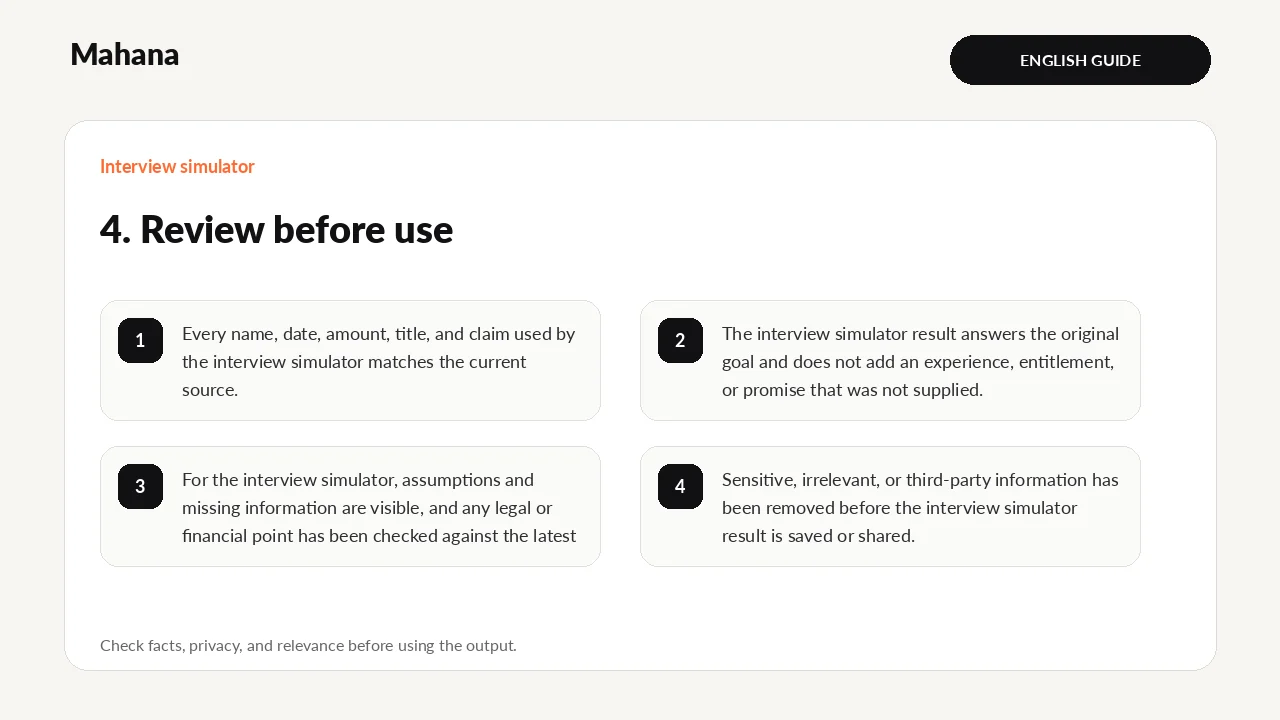
- Every name, date, amount, title, and claim used by the interview simulator matches the current source.
- The interview simulator result answers the original goal and does not add an experience, entitlement, or promise that was not supplied.
- For the interview simulator, assumptions and missing information are visible, and any legal or financial point has been checked against the latest official source.
- Sensitive, irrelevant, or third-party information has been removed before the interview simulator result is saved or shared.
Review the interview simulator result once as its intended reader. For the interview simulator, check facts first, then relevance, wording, layout, and privacy in separate passes; ask a qualified person to review a difficult-to-reverse decision.
Questions about Interview simulator
Does Mahana receive the normal interview simulator inputs?
The interview simulator is designed to process its normal fields in the browser. For the interview simulator, avoid sensitive data and read the page privacy note before using any optional storage, export, or sharing function.
Is the interview simulator result guaranteed?
No. The interview simulator returns a draft, comparison, or estimate from the values entered. For the interview simulator, employer decisions, official entitlements, and professional outcomes depend on facts the tool cannot see.
What must I do before using the interview simulator result?
Before using a interview simulator result, check every fact, remove unnecessary personal data, compare calculations with the latest official source, and edit it for the real recipient or decision.
What should you prepare?
Keep the job post and resume beside you. Prepare six genuine situations: an achievement, a problem, a disagreement, pressure, a mistake, and a decision. Note the people, constraints, actions, and verified outcome so practice does not become exaggeration.
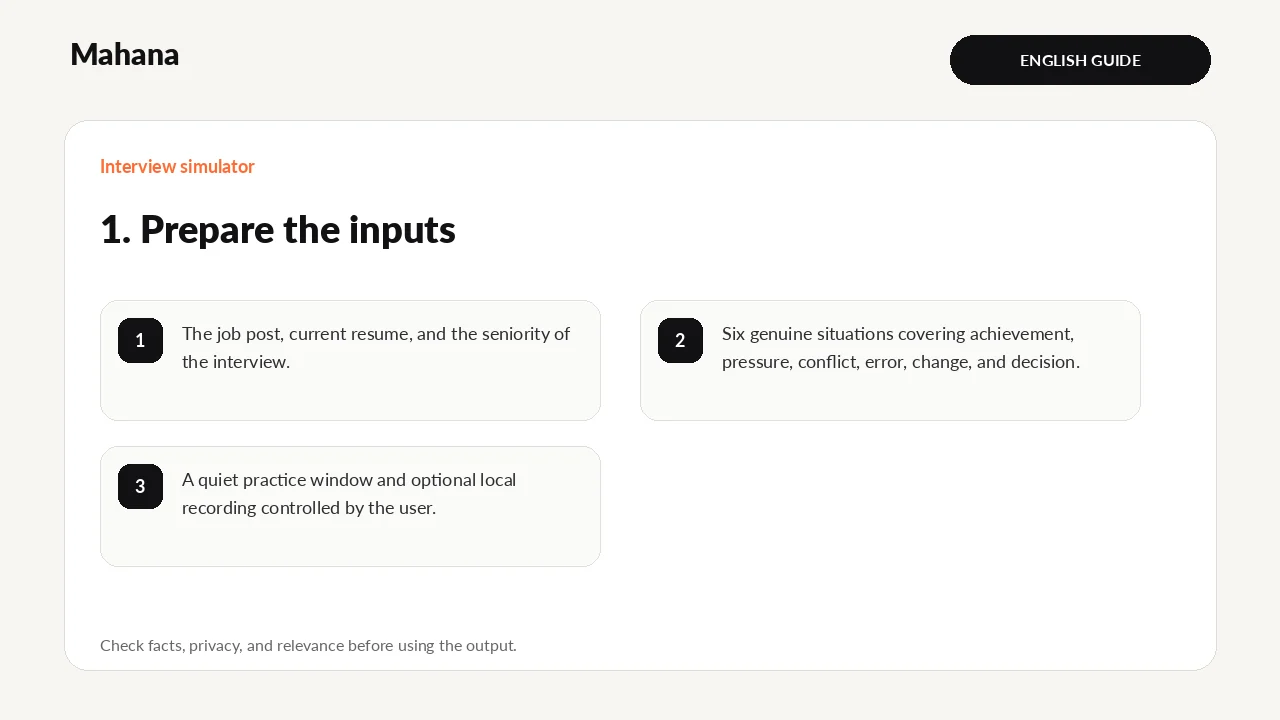
- The job post, current resume, and the seniority of the interview.
- Six genuine situations covering achievement, pressure, conflict, error, change, and decision.
- A quiet practice window and optional local recording controlled by the user.
Privacy first: The interview simulator does not need identity numbers, passwords, bank details, medical records, private referee data, or confidential employer material. Replace names and restricted figures with neutral examples wherever possible.
What does the tool actually do?
- Selects prompts by role, seniority, question type, and skills.
- Checks for situation, action, result, and a usable spoken length as guidance.
- Runs a browser-based practice timer without recording or uploading the user's voice.
This describes the current transparent logic; it does not guarantee a hiring decision or legal entitlement. Behaviour and content last checked: 2026-08-15.
Limits and when to use another source
The simulator cannot assess body language, vocal delivery, an interviewer's priorities, or an employer's culture. It also cannot know the exact questions. For an important interview, add recorded practice and feedback from another person.
A realistic worked example
Asked about process improvement, a candidate chooses a project with recurring weekly delays. They define the problem and their role, explain how they gathered data and tested a revised hand-off, then state the measured result and what remained outside their control.
Interpretation: The answer becomes credible when the candidate separates team context from personal action and states what changed. A concise honest result is preferable to a polished but unverifiable story.
What is included in this version?
- A worked example written specifically for the interview simulator.
- Visible assumptions, privacy guidance, and result limitations.
- An editable result plus a separate pre-use review checklist.
How to use Interview simulator step by step
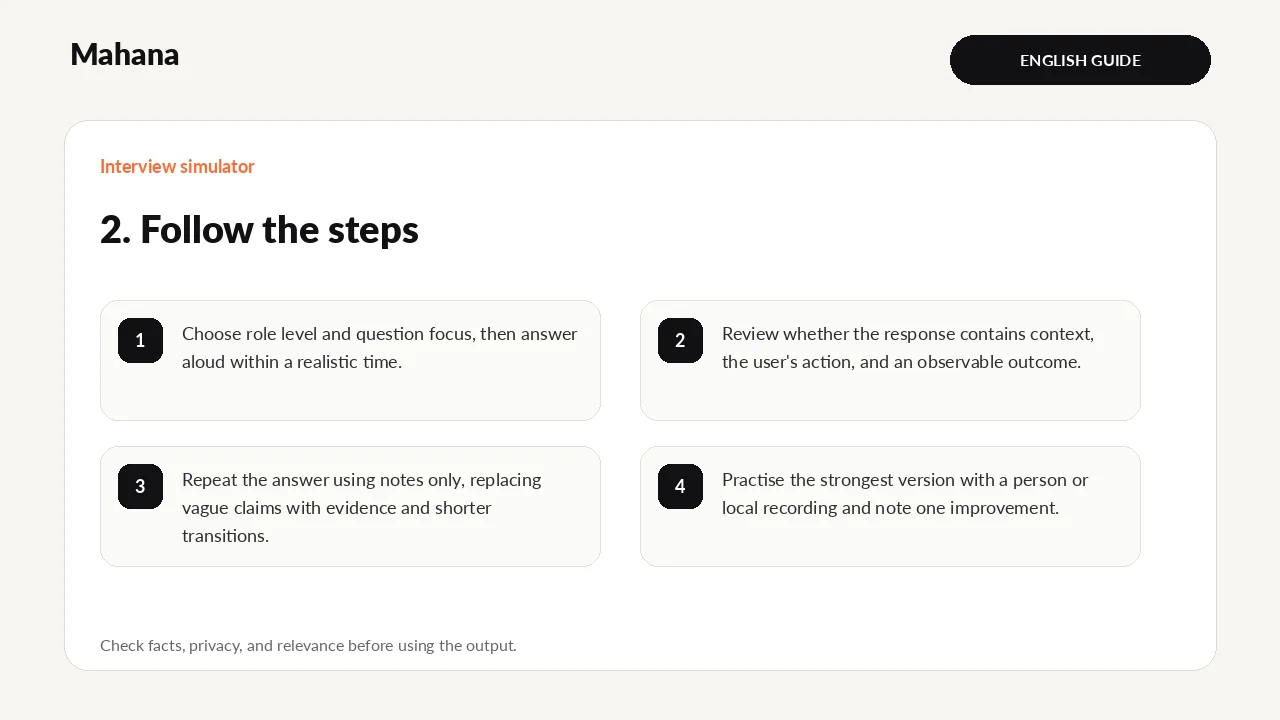
- Choose role level and question focus, then answer aloud within a realistic time.
- Review whether the response contains context, the user's action, and an observable outcome.
- Repeat the answer using notes only, replacing vague claims with evidence and shorter transitions.
- Practise the strongest version with a person or local recording and note one improvement.
How should you read the result?
A useful response has a clear opening, enough context, your own action, and a result or lesson that can be spoken naturally. Use feedback to locate missing evidence; do not memorise the generated wording.
- Current prompt
- Practice timer
- Answer-structure feedback
Your next action
Record one final answer locally or practise it with a reviewer, then note the single evidence gap to fix.
Guide method: The instructions were checked against the current fields and outputs. Results remain editable guidance, not a final professional determination.
Continue with the tool or browse all career tools.
The interview simulator is a practice space, not a test with one ideal answer. Use it to organise evidence, re…
Open Interview simulatorHow this page was prepared and when it is reviewed
Method: The guide turns one defined career question into steps and a reviewable output, with changing claims tied to their sources.
Review trigger: Review this page when relevant rules, tools, or market evidence changes, or when a newer authoritative source becomes available.

The Mahana editorial team reviews career articles, guides, links, and time-sensitive information under the published editorial policy.
Editorial and verification method